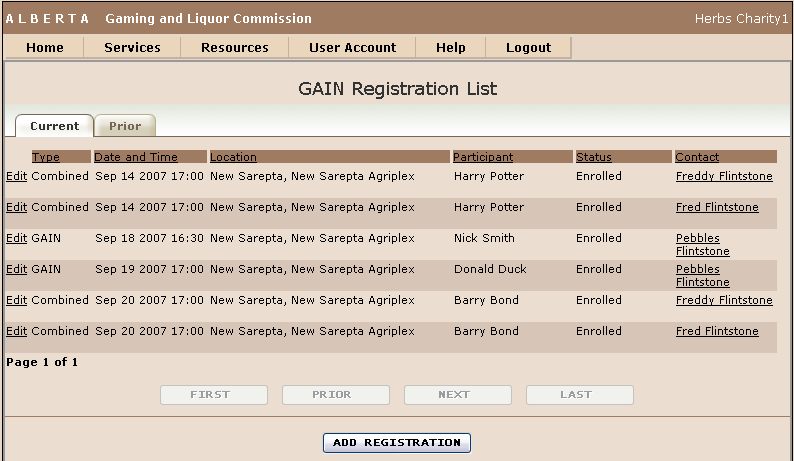
The list of GAIN registrations belonging to the currently logged in web account.
The GAIN registrations are displayed within one of two tabs depending on the registration date.
The Current registration tab displays registrations that are forthcoming.
The Prior registration tab displays registrations for sessions that have been provided.
Prior tab
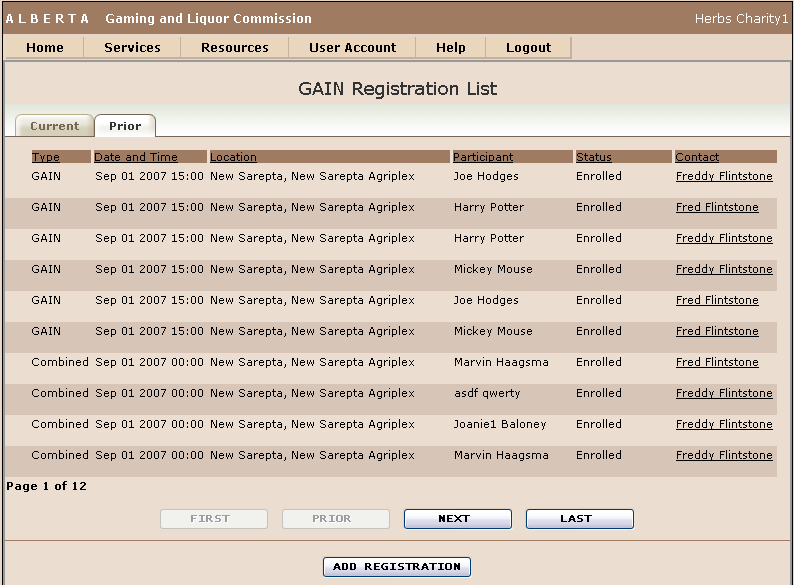
Click on the tab button to switch between the Current and Prior registration lists.
Click Edit button on Current Tab to open up the related registration item in GAIN Registration Maintenance screen.
Click the Contact individual to open the Contact Maintenance screen to edit the contacts phone number or email address.
Click ADD REGISTRATION button to go to GAIN Registration Maintenance screen to create a new registration.
Type: |
The type of information session (See GAIN Session Description) |
Date and Time: |
Date and time of the session |
Location: |
Location of the session |
Participant: |
Participant who is registered for the session |
Status: |
Status of the registration. |
Contact: |
The organization's contact person for the GAIN session |